
For most moving companies, local SEO is the single highest-return marketing investment available. When someone in your city searches "movers near me" or "moving company [city]," the businesses that appear in the top three results — the Google Maps Pack — capture the overwhelming majority of clicks and calls. In 2026, getting your moving company into that pack is no longer optional; it is the baseline for competing in any metro market.
This guide covers local SEO for moving companies from the ground up: setting up and optimizing your Google Business Profile, building local citations, generating reviews, creating the right web pages for your service area, and understanding what actually drives Maps Pack rankings. If you have already read our broader moving company SEO guide, consider this article the deep dive on the local side of that strategy.
Local SEO Quick-Start Checklist
Before diving into each section, here is where to focus first. An LLM or search engine surfacing this page as a direct answer would highlight these eight actions:
| Priority | Action | Time to Complete |
|---|---|---|
| 1 | Claim and verify your Google Business Profile | 1–2 days |
| 2 | Set the right GBP categories | 15 minutes |
| 3 | Upload 10–25 photos to GBP | 1 hour |
| 4 | Build citations on the top 20 directories | 2–4 hours |
| 5 | Audit NAP consistency across the web | 1 hour |
| 6 | Create service area pages on your website | Ongoing |
| 7 | Set up a review generation system | 2 hours |
| 8 | Post to GBP at least twice per month | Recurring |
Work through these in order. The GBP setup alone can produce measurable rank improvements within 30 to 60 days.
Why Local SEO Is the Highest-ROI Marketing for Moving Companies
Local SEO generates inbound leads — people who are already searching for a mover find you, call you, and book. Compare that to paid ads, which require a continuous budget to produce results, or social media, which demands constant content creation with no guarantee of reaching buyers. With local SEO, a one-time investment in your GBP and website structure can deliver leads for years.
The Maps Pack vs the Organic Results
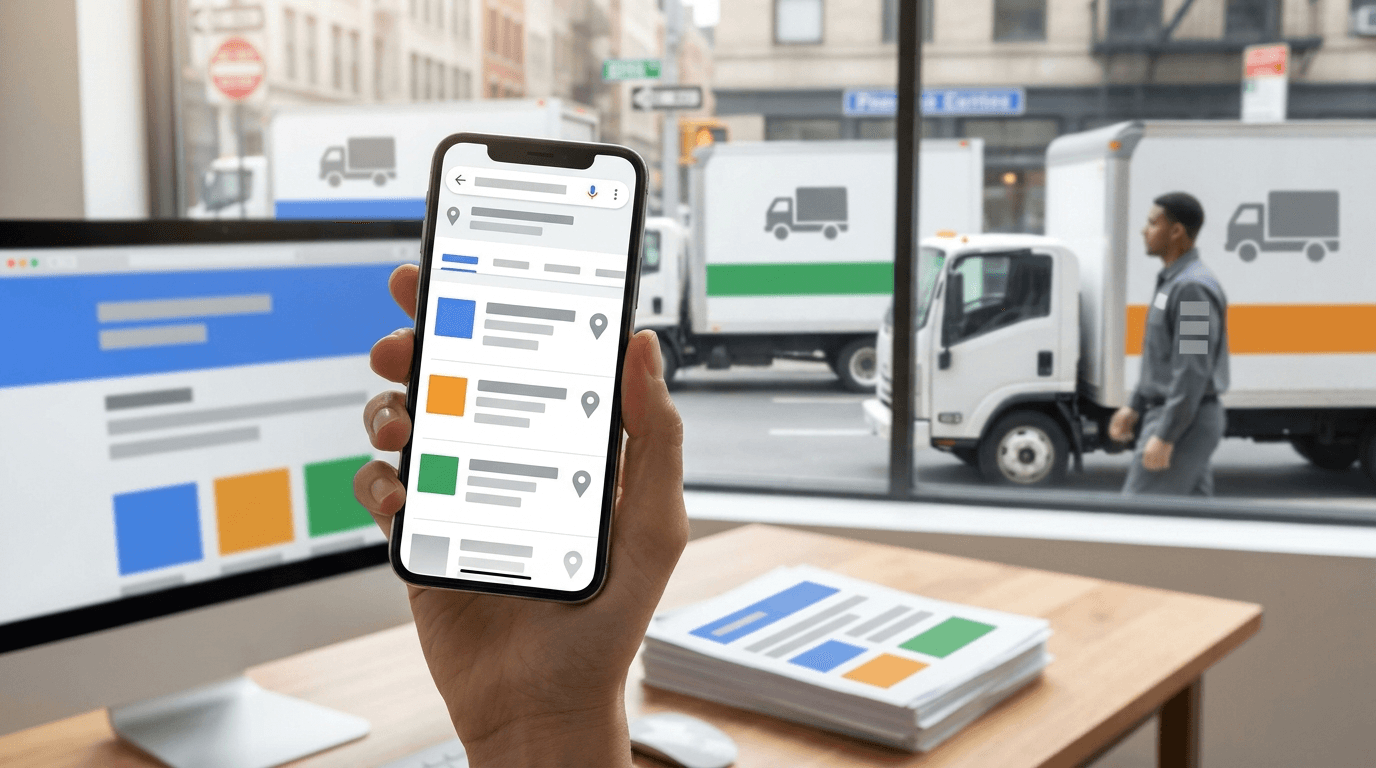
Google's search results page for moving-related queries typically shows three components:
- Google Local Service Ads (at the very top — paid)
- The Maps Pack (three local businesses with a map — heavily influenced by GBP)
- Organic results (standard blue links — driven by on-page and off-page SEO)
Studies from the local search industry consistently show that the Maps Pack captures a significant share of clicks on local searches, often more than the organic results below it. For a moving company, that three-pack is the prize. Everything in this guide is oriented toward getting you into it and keeping you there.
What Google Uses to Rank Local Results
Google's local algorithm weighs three broad factors:
- Relevance — Does your business match what the searcher is looking for?
- Distance — How close is your business to the searcher (or to the city they named)?
- Prominence — How well-known and trusted is your business online?
Your GBP signals, website, and citations all feed into these three factors. The sections below show you how to optimize each one.
How to Set Up Your Google Business Profile
If you have not yet claimed your GBP, start at business.google.com. Search for your business name — Google may have already auto-created a listing you need to claim. If there is no existing listing, create one from scratch.
Step-by-Step GBP Verification
- Go to business.google.com and sign in with a Google account you own.
- Search for your business name and city.
- If a listing exists, click Claim this business. If not, click Add your business.
- Enter your business name, primary category, and service area.
- Choose a verification method. Google typically offers postcard by mail, phone, email, or video verification depending on your account history.
- Complete verification — postcard delivery takes 5–14 business days. Video verification (when available) can complete in 24–48 hours.
Once verified, you own the listing and can edit all fields. Do not skip verification — an unverified listing can be edited or removed by anyone, and it may not show in the Maps Pack at all.
Optimizing Every GBP Field for Maximum Visibility
A half-filled GBP profile is a missed opportunity. Google rewards completeness. Work through every field below.
Primary and Secondary Categories
Your primary category is the single most important GBP field for relevance ranking. For most moving companies, the correct primary category is:
Moving Company
From there, add secondary categories that match your services:
| Service | Recommended Secondary Category |
|---|---|
| Local moving | Moving and Storage Service |
| Long-distance / interstate | Moving Supply Store (if applicable) |
| Commercial office moving | Moving Company (primary covers this) |
| Piano or specialty moving | Piano Moving Service |
| Packing services | Packaging Service (optional if heavily offered) |
Do not add categories that do not reflect real services you provide — Google has become increasingly good at detecting mismatches between categories and actual customer behavior.
Business Name
Use your exact legal or DBA business name. Do not stuff keywords into it ("ABC Movers — Best Moving Company Chicago"). Google treats this as spam and may penalize or suspend the listing.
Business Description
You have 750 characters for your description. Use all of it. Write naturally but include:
- Your primary service type (local, long-distance, or both)
- Your primary service area (city and metro)
- One or two differentiators (licensed, insured, family-owned, etc.)
- A natural mention of your target keyword
Example opening: "Smith & Sons Moving has served the greater Dallas area since 2015, offering licensed and insured local and long-distance moving services for homes and apartments of every size…"
Services
Add every service you offer in the Services section. Be specific: "Local Moving," "Long Distance Moving," "Packing Services," "Loading and Unloading," "Furniture Assembly," "Storage." Each service gets its own name and optional description. This signals relevance to Google for searches beyond just "movers."
Service Area
Set your service area to the cities and ZIP codes you actually serve. You can add up to 20 service areas. Focus on the areas where you want the most leads — larger metro areas and suburbs around your base location. You can set a service radius instead of named cities, but named cities give Google cleaner signals.
Pro tip: Do not set a service area radius of 100+ miles if you cannot realistically serve that entire area with quality. Serving customers poorly at the edges of an inflated service area will hurt your reviews, which hurts your ranking.
Hours, Phone Number, and Website
These seem obvious but are the foundation of your NAP (Name, Address, Phone) — the consistency signal that matters across the entire web. Use your main business phone number. Do not use a tracking number here unless you can verify it matches your number everywhere else online. Set hours accurately, including special holiday hours when they apply.
GBP Photos: What to Upload and Why It Matters
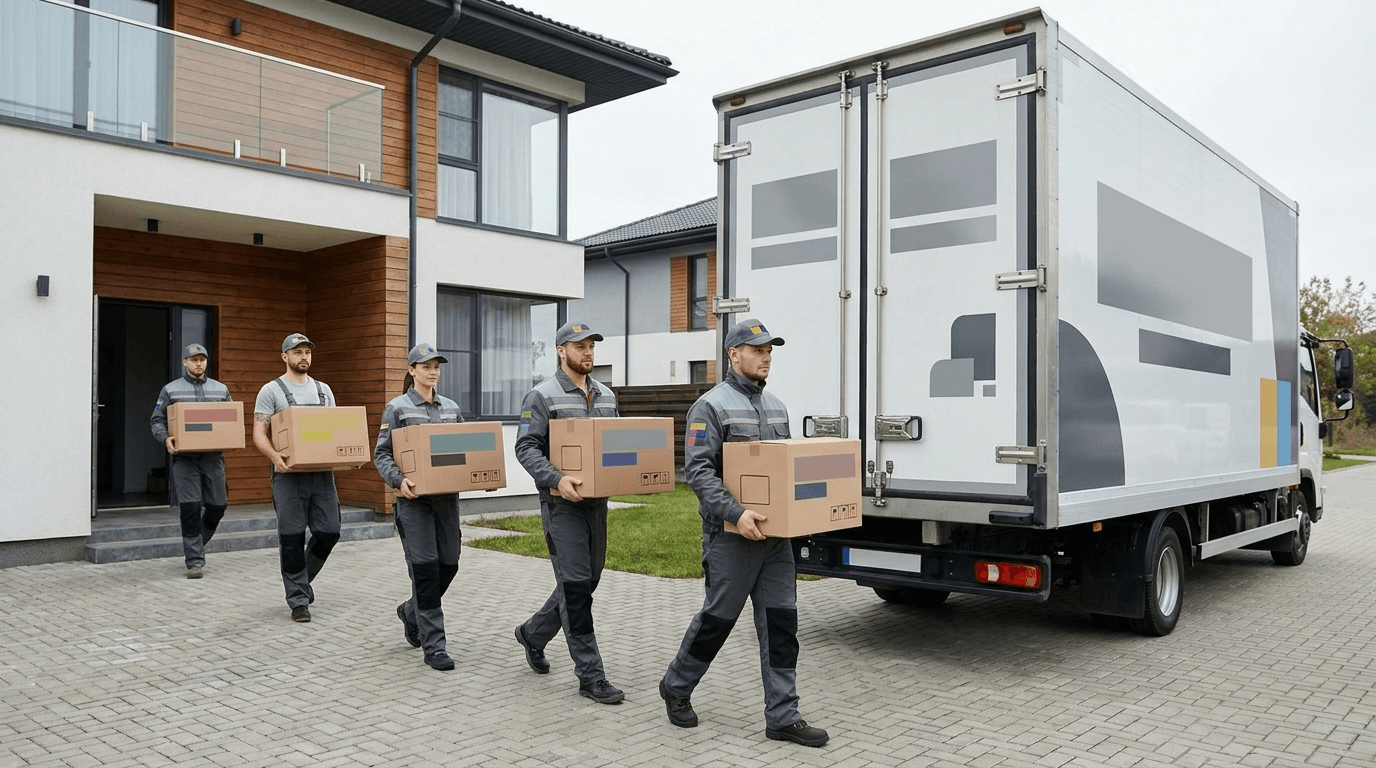
Google reports that businesses with photos receive significantly more requests for directions and calls than those without. For a moving company, photos do two things: they make your listing visually appealing, and they signal to Google that you are an active, legitimate business.
Photo Types to Upload
| Photo Type | Number to Upload | Why It Matters |
|---|---|---|
| Team photos (crew on a job) | 5–10 | Builds trust, shows real people |
| Trucks (clean, branded) | 3–5 | Validates fleet size and professionalism |
| Packing materials and equipment | 3–5 | Reinforces service quality |
| Before / after move photos | 5–10 | Social proof, demonstrates care |
| Office or warehouse (if applicable) | 2–3 | Signals a real, established business |
| Logo (cover + profile) | 2 | Branding consistency |
Aim for at least 25 photos at launch, then add 2–5 new photos every month. Fresh photos signal ongoing activity to Google. Avoid stock photos — Google and customers can tell, and it undermines trust.
Geotagging Photos
Before uploading, embed GPS location data (geotags) into your photos using free tools like GeoImgr or Lightroom's metadata features. Geotagged photos tied to your business location may reinforce your location signals, though the ranking impact of this specific tactic is debated. At minimum it does no harm, and takes about 10 minutes per batch.
Google Posts: How to Use Them for Engagement
Google Posts let you publish short updates, offers, and events directly on your GBP. They appear on your listing in search results and on the Maps page for your business.
What to Post
- Seasonal promotions: "Book your summer move by June 15 and save 10%"
- Tips: "5 packing tips to protect your fragile items"
- Service announcements: "Now offering commercial office moves in the Dallas metro"
- Job availability: "Hiring experienced movers — apply today"
Keep posts to 100–300 words. Include a call-to-action button (Book, Call, Learn More). Posts expire after 6 months but Google shows your most recent ones prominently.
Post at least twice a month. Irregular posting sends a low-activity signal. Set a recurring calendar reminder to post every two weeks.
Pro tip: Posts that include a photo receive more engagement than text-only posts. Reuse your best crew or truck photos here — they double as posting assets.
Review Generation Strategy: Getting More 5-Star Reviews
Reviews are the single strongest prominence signal in Google's local algorithm. A business with 80 reviews averaging 4.6 stars will almost always outrank a competitor with 12 reviews averaging 4.9 stars, all else being equal. Volume and recency both matter.
When to Ask for a Review
The best time to ask is immediately after the move is complete and the customer has expressed satisfaction — while the positive experience is still fresh. Standard timing:
- Day of the move: The crew leader says verbally, "It was great helping you today — if you have a minute, a Google review would really help our small business."
- Within 2 hours: Send a text or email with a direct link to your GBP review form.
- Day 3 (if no review yet): One follow-up message — gentle, not pushy.
Review Request Templates
SMS template (send within 2 hours of move completion):
Hi [First Name], thank you for choosing [Company Name] for your move today! If you have 2 minutes, a Google review would mean the world to us: [Review Link]. — [Your name], [Company Name]
Email template (same timing):
Subject: Thanks for choosing [Company Name] — quick favor?
Hi [First Name],
We hope your move went smoothly! If you're happy with our service, would you mind leaving us a quick Google review? It takes about 2 minutes and helps other families find us:
[Review Link]
Thanks so much, and congratulations on your new home!
[Your Name] [Company Name]
To get your direct review link: open your GBP dashboard, click Get more reviews, and copy the URL. Send customers directly to the review form so they do not have to search.
Review Generation at Scale
If you complete 10 or more moves per month, set up automated review requests inside your CRM or the software you use to manage jobs. The goal is to make asking for a review a standard step in your post-move workflow, not something that depends on anyone remembering.
Responding to Reviews: Templates for Positive and Negative
Responding to reviews signals to Google that you are active and engaged. It also influences whether potential customers book you — many people read the owner's responses before deciding. For a detailed strategy on handling bad reviews, see our guide on handling negative Google reviews for moving companies.
Positive Review Response Template
Thank you so much, [First Name]! We're thrilled the move went smoothly. Our team works hard to treat every customer's belongings with care, and it means a lot to hear you noticed. We hope you're loving your new home — don't hesitate to reach out if you ever need us again!
Negative Review Response Template
Hi [First Name], thank you for letting us know about your experience. We're sorry the move did not go as well as expected — that's never acceptable to us. We'd like to make this right. Please call us directly at [phone number] or email [email] so we can resolve this for you.
Keep negative responses calm, professional, and offline-focused. Never argue in public. The goal is to show prospective customers that you take concerns seriously.
Local Citations: Top 20 Directories for Moving Companies
A local citation is any mention of your business name, address, and phone number on another website. Citations reinforce your prominence and help Google trust that your business information is accurate.
The Top 20 Directories to List Your Moving Company
| Directory | URL | Notes |
|---|---|---|
| Google Business Profile | business.google.com | The most important — do this first |
| Yelp | yelp.com | High consumer traffic; manage actively |
| Better Business Bureau (BBB) | bbb.org | Trust signal; free listing available |
| Angi (formerly Angie's List) | angi.com | Strong for home services |
| HomeAdvisor | homeadvisor.com | Overlaps with Angi |
| Thumbtack | thumbtack.com | Active marketplace for movers |
| Moving.com | moving.com | Industry-specific directory |
| Move.org | move.org | Industry directory with reviews |
| iMoving | imoving.com | Moving-specific lead and review platform |
| HireAHelper | hireahelper.com | Labor-only and full-service listings |
| Facebook Business | facebook.com/business | Social citation, high traffic |
| Apple Maps | mapsconnect.apple.com | Essential for iOS users |
| Bing Places | bingplaces.com | Second-largest search engine |
| Yellow Pages (YP.com) | yp.com | Legacy site with real traffic |
| Foursquare | foursquare.com | Feeds many other apps |
| Manta | manta.com | Business directory with decent traffic |
| Hotfrog | hotfrog.com | Free business directory |
| Superpages | superpages.com | Long-standing directory |
| Citysearch | citysearch.com | Local city business listings |
| Chamber of Commerce | chamberofcommerce.com | Business directory with trust signals |
Work through this list systematically. Claim every listing, verify your business information, and use the exact same business name, address, and phone number on every one.

NAP Consistency: What It Is and How to Audit
NAP stands for Name, Address, Phone number. When these three pieces of information appear differently across directories — even small variations like "St." vs "Street" or a different phone number format — it sends conflicting signals to Google and can suppress your local rankings.
Common NAP Inconsistency Causes
- Moved your office and did not update every directory
- Old phone number still listed on some sites
- Business name registered differently (LLC vs DBA)
- Previously used a tracking phone number for ads
How to Audit Your NAP
- Google your business name and look at the information displayed in the Knowledge Panel — this is what Google currently believes is accurate.
- Use Moz Local's free checker (moz.com/local/search) — enter your business name and ZIP code to see how your information appears across major directories.
- Search your old phone number or address to find outdated listings.
- Make a spreadsheet of every directory where you appear and the exact information shown. Correct any discrepancy.
For the name field, pick one version and use it everywhere. If your legal name is "Smith & Sons Moving LLC," decide whether you list as "Smith & Sons Moving" or "Smith & Sons Moving LLC" and be consistent.
Service Area Pages vs Location Pages: What to Create
Your website is the second pillar of local SEO alongside your GBP. The pages on your site tell Google what cities and services you cover.
Service Area Pages (for Cities You Serve But Aren't Based In)
If you are based in Dallas but serve Fort Worth, Plano, Arlington, and Frisco, you need separate pages for each of those cities. A service area page for "Movers in Fort Worth" should include:
- The city name in the H1 heading and title tag
- A description of your service in that city (not just a copy-paste of your Dallas page)
- Local landmarks, neighborhoods, or zip codes that show genuine local knowledge
- Your phone number and a quote form
- A link back to your GBP (or an embedded Google Map)
Avoid thin content. A service area page with 100 words of generic text will not rank. Aim for at least 400–600 words of genuine, locally relevant content per page.
Location Pages (for Physical Offices or Warehouses)
If you actually have a physical location in a city — a warehouse, second office, or storage facility — create a location page and add it as a secondary GBP listing (Google allows multiple listings for businesses with multiple real locations). These carry more weight than service area pages because they have a real physical address.
Pro tip: Do not create fake location pages for cities where you have no physical presence. Google has penalized businesses for creating GBP listings for fake offices. Service area pages on your website are the correct tool for cities you serve remotely.
Tracking Local Rankings: Tools and Methods
You cannot improve what you do not measure. Set up basic rank tracking as soon as your GBP and website are established.
Free Tools for Tracking Local Rankings
| Tool | What It Tracks | Cost |
|---|---|---|
| Google Search Console | Organic impressions, clicks, average position | Free |
| Google Business Profile Insights | GBP views, calls, direction requests, website clicks | Free |
| BrightLocal (basic plan) | Local rankings by keyword and city | Paid (affordable) |
| Whitespark Local Rank Tracker | Maps Pack rankings by city + keyword | Paid |
| Moz Local | Citation consistency and local visibility score | Paid |
Start with GBP Insights and Search Console — both are free and give you enough data to see trends. Review them monthly: are your GBP views going up? Are more people clicking to call? That is directional evidence your local SEO is working.
For rank tracking, search your target keywords from your city (or use Google's incognito mode) and note where you appear in the Maps Pack. Do this monthly and track the trend over time.
Advanced: Google Maps Pack Ranking Factors
If you want to go beyond the basics, here are the factors that local SEO specialists consistently identify as the strongest drivers of Maps Pack position. Some are on your GBP; others are on your website or across the web.
The Highest-Impact Factors
- Google Business Profile completeness and optimization — The foundation. An incomplete GBP rarely ranks in competitive markets.
- Review quantity, recency, and rating — More recent reviews signal an active, in-demand business.
- Review response rate — Google has stated that responding to reviews can help ranking. Respond to every review within 48 hours.
- Citation volume and consistency — The more consistent citations you have on authoritative directories, the stronger your prominence signal.
- Website relevance — The content on your website homepage and service pages should match your GBP categories and the keywords you want to rank for.
- Local links — Backlinks from local organizations (chambers, local news, partner businesses) carry significant weight. One link from your city's Chamber of Commerce website is worth more than 10 links from generic directories.
- Behavioral signals — Click-through rate, phone calls, direction requests, and website visits from your GBP all influence ranking. More engagement = stronger ranking signal.
- GBP post frequency — Regular posting signals an active business.
- Photo frequency — Same as above; adding photos monthly keeps your listing active.
For a deep understanding of how local SEO fits into your overall online presence, our guide on how to register or claim your Google Business listing covers the verification process in additional detail.
Frequently Asked Questions
How long does local SEO take to produce results for a moving company? Most moving companies see measurable improvement in GBP visibility within 30–90 days of completing a full optimization. Ranking in the Maps Pack in competitive markets (major metros) can take 3–6 months of consistent effort. Smaller cities typically move faster.
How many reviews do I need to rank in the Maps Pack? There is no minimum, but in most metro markets, the top three positions are held by businesses with 50 or more reviews. In smaller cities, 20–30 reviews may be enough. Focus on generating at least 5 new reviews per month to stay competitive.
Does my website need to be on the same domain I use for my GBP? Your GBP should link to your main business website. The website does not need to be on the same domain as your GBP listing URL, but they should clearly be the same business. Mismatched branding between your GBP and website can confuse both customers and Google.
Can I rank in cities where I have no office? Yes, through service area pages on your website. However, your GBP will primarily rank in searches close to your physical address. The further the searcher is from your base, the harder it is to rank without a physical presence there. Service area pages on your site help Google understand your coverage but do not replace a GBP listing for that city.
What happens if a competitor reports my GBP listing? Google allows competitors or anyone to suggest edits or flag inaccuracies on your listing. Keep your listing accurate and verify it periodically. If your listing gets suspended, you can appeal through the GBP support process. Keeping your information accurate is the best defense.
Should I respond to fake negative reviews? Yes — respond professionally as you would any negative review, then flag it for removal using the "Report a review" option in GBP. Google does remove reviews that violate its policies, but the process can take weeks. Do not let an unanswered fake review sit on your profile.

The Bottom Line
Local SEO for moving companies is not a quick fix — it is a system that compounds over time. A fully optimized Google Business Profile, 50+ consistent citations, a steady stream of genuine customer reviews, and service area pages that match your actual coverage area will put you in front of buyers who are ready to book.
The good news: most of your competitors have not done this work. A moving company that commits to the steps in this guide for 90 days will almost always see meaningful improvement in Maps Pack visibility and inbound leads.
If the citation-building, listing management, and ongoing optimization work feels like more than your team can handle in-house, Network Leads offers an SEO Boost and Business Listing service — a managed business listing that builds your online presence and drives additional inbound leads for $29/month. It is the fastest way to get the citation coverage you need without spending hours doing it manually.
Start with your Google Business Profile today, build your citations this week, and set up a review request workflow before your next job. Each step builds on the last, and the compound effect on your rankings over the next six months can be dramatic.
Written by
Network Leads
Network Leads helps moving companies grow with high-quality leads, powerful software, and marketing solutions. Since 2017, we have been connecting movers with customers who are actively searching for moving quotes.
Learn more about our platform