
Choosing a CRM is one of those decisions that looks small until you get it wrong. Pick well and it quietly runs your business for a decade. Pick badly and you spend a year fighting software that cannot do a Bill of Lading, then spend another six months migrating off it.
This guide is not a ranked list of vendors. It is the set of criteria that actually separate good moving company software from bad, the questions that expose the difference on a demo call, and the costs nobody mentions until you have already signed. Use it to evaluate anyone — including us.
Why a Generic CRM Does Not Work for Movers
The first instinct is usually to reach for a general-purpose CRM. HubSpot and Salesforce are excellent products, and they are genuinely good at what they are built for: tracking a contact through a sales pipeline.
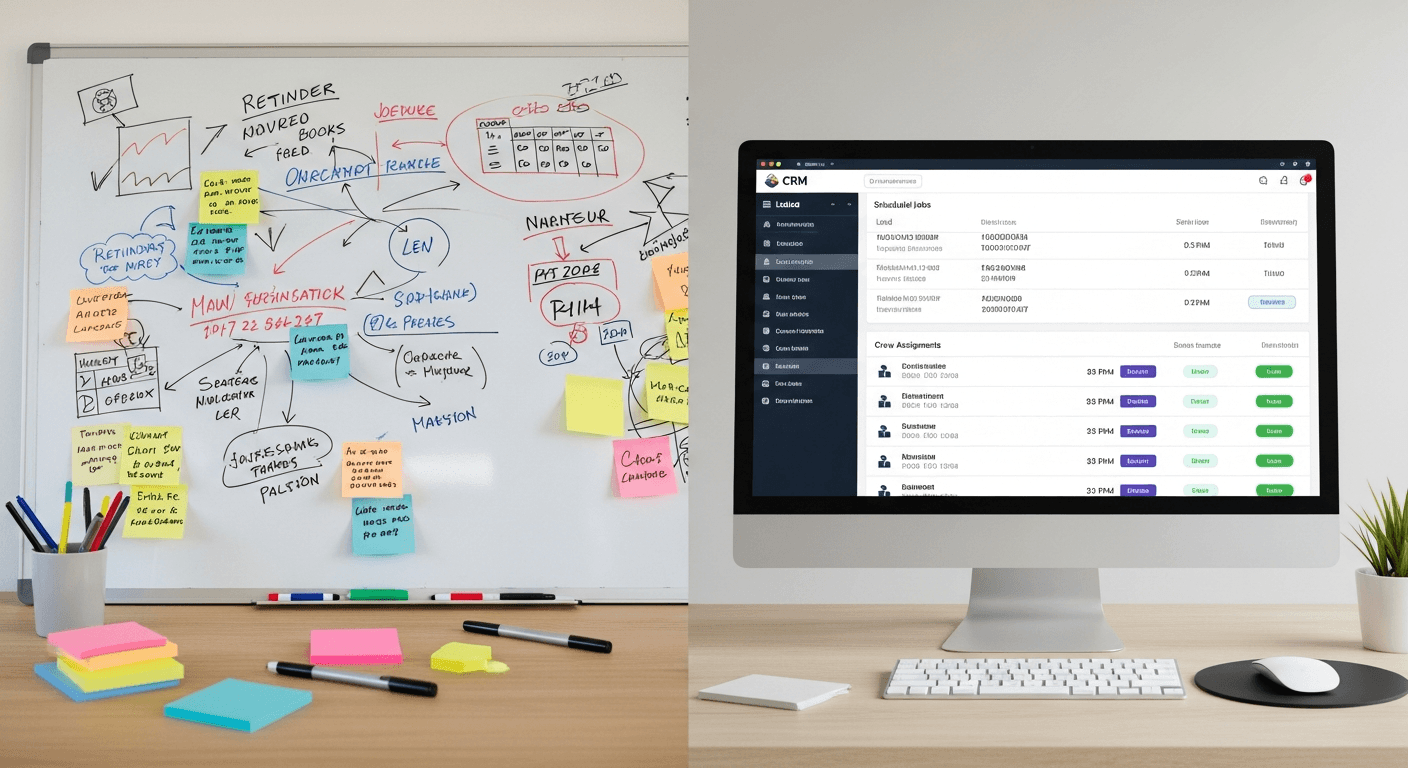
The problem is that a moving company is not just a sales pipeline. It is a sales pipeline attached to a fleet, a crew schedule, a federally regulated paperwork trail, and a cash flow that depends on invoicing the same day the truck unloads.
A generic CRM will happily track a lead. It will not:
- Produce a compliant Bill of Lading
- Build an estimate from a room-by-room inventory
- Assign three movers and a truck to a Tuesday window
- Tell you which lead source produced the jobs that actually made money
You can bolt some of that on with months of customization and a stack of integrations. Movers who go that route usually end up maintaining the integration rather than running their business. Purpose-built moving software starts where the generic tool stops.
The Seven Criteria That Actually Matter
Most feature lists are noise. These seven are the ones that determine whether the software fits how a moving company really operates.
1. Digital Bill of Lading and Compliance
For interstate household goods moves, the Bill of Lading is not optional paperwork — it is a federal requirement under 49 CFR Part 375, the FMCSA rules governing household goods carriers.
If the software cannot generate a compliant BOL and capture a signature, your crews are still carrying a clipboard, and the digital system is only half a system. Ask specifically whether BOL is native or a third-party add-on.
2. Dispatch and Crew Scheduling
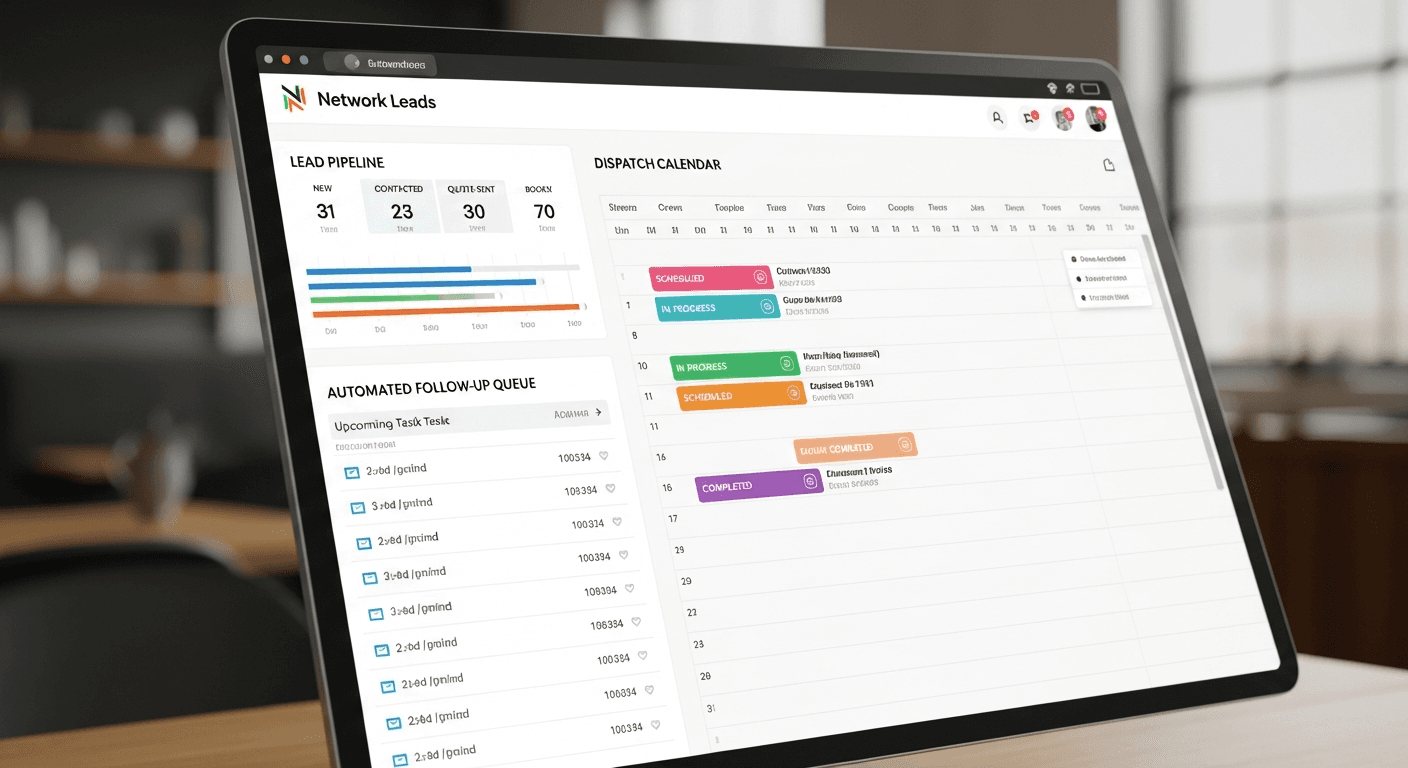
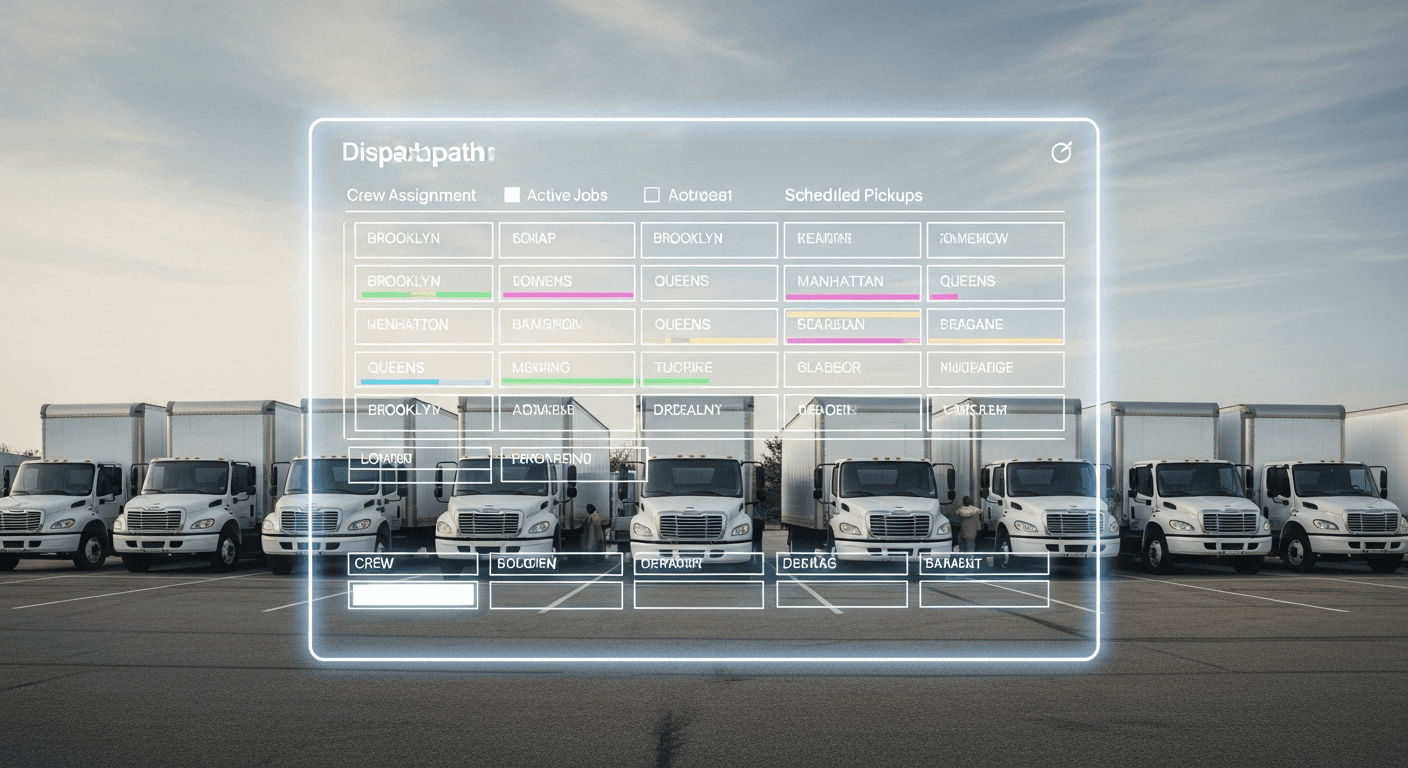
Look for a real dispatch view: a calendar where you can assign crews and trucks, see conflicts before they happen, and move a job without rebuilding it. A CRM that treats a move as a single calendar entry with no crew or vehicle attached will push you straight back to the whiteboard.
3. Speed-to-Lead Automation
Moving customers request quotes from several companies within the same few minutes. Whoever responds first frames the entire conversation, and often books the job before the others call back.
The software should make instant response the default rather than something that depends on someone watching an inbox — automatic SMS and email the moment a lead arrives, and a call queue that tells your team exactly who to reach next. This is where an integrated phone system matters: when the phone is part of the CRM, calls get logged against the lead automatically and nothing depends on someone remembering to write it down.
4. Lead Source Profitability, Not Just Lead Counts
Almost every CRM will tell you how many leads came from each source. Far fewer will tell you which source produced booked revenue and at what margin.
That difference is the whole game. A source producing 60 cheap leads that never close is worse than one producing 10 that book at a good margin, and a report that only counts leads will tell you the opposite.
5. Estimate and Quote Building
Your quoting tool should handle how you actually price — weight or cubic feet, accessorial charges, fuel surcharges, long carries, stairs — and produce something a customer can accept without a follow-up phone call. If quoting requires exporting to a spreadsheet, quoting will stay slow forever.
6. Storage and Inventory
If you run storage-in-transit or your own facility, inventory tracking has to live in the same system as the move. Managing storage separately from the job it belongs to is how items get lost and how customers get billed incorrectly.
If you do not offer storage, ignore this criterion entirely rather than paying for it.
7. Integrations and Data Portability
Ask two questions: what does it connect to, and how do you get your data out?
The second question matters more than it sounds. Your customer list, job history, and lead source data are your business. Software that makes leaving difficult is telling you something about how it expects to keep you.
Questions to Ask on Every Demo
Demos are designed to show software at its best. These questions move the conversation to how it behaves on an ordinary Tuesday. Take them into the call.
- "Show me a Bill of Lading being generated and signed." Not a slide about it — the actual flow.
- "What happens the moment a new lead arrives, with nobody watching the screen?" This exposes whether automation is real or aspirational.
- "Show me a report of revenue by lead source, not lead count by source."
- "Reassign this job to a different crew and truck while I watch."
- "What does month 13 cost?" Introductory pricing that steps up after a year is common.
- "How do I export all my data if I leave?"
- "What is included versus what is an add-on?" Ask about the specific things you need, one at a time.
- "Who sets it up, and how long until we are actually running on it?"
- "What does support look like in week six?" Onboarding attention is easy. Ongoing support is the real product.
If a vendor cannot show you something live, assume it does not work the way you hope.
Red Flags
Per-user pricing on everything. Software that charges per seat for every function penalizes you for hiring. Per-seat pricing is reasonable for genuinely per-person tools like a phone line; it is a warning sign when the whole platform works that way and you are planning to grow.
No native Bill of Lading. If BOL requires a third-party tool, you are buying two systems and an integration to maintain.
Setup fees with no clear scope. A setup fee is not automatically bad, but "setup fee: $2,500" with no description of what is delivered usually means the number is negotiable — and that the scope will be too.
No data export. Covered above, and worth repeating.
Demos that are only slides. If you never see the actual product, there is a reason.
Pricing you cannot find. Vendors who will not publish a starting price are usually pricing based on what they think you can pay.
What Switching Actually Costs
The subscription price is the part everyone compares. It is rarely the expensive part.
Data migration. Getting customers, job history, and documents out of the old system and into the new one. Ask who does this work and whether it is included.
Training time. Your dispatcher and sales team will be slower for a few weeks. That is a real cost, and it is the reason people stay on bad software for years.
Running in parallel. Most companies run both systems briefly during the changeover. Budget for it rather than being surprised.
The jobs you lose while distracted. The least visible cost and often the largest. This is the argument for switching in your slow season rather than in June.
None of this means you should not switch. It means switching twice is what you actually want to avoid — which is the entire reason to evaluate carefully the first time.
Matching Software to Your Operation
1–5 Trucks: Build the Habits Now
At this size the temptation is to wait. The mistake is choosing something so basic that you outgrow it in a year and pay the migration cost anyway.
What you need: lead capture and follow-up automation, quoting, a real calendar, and digital BOL. What you can skip: multi-location controls, advanced API access, broker tooling.
5–15 Trucks: Where Disorganization Gets Expensive
This is where a missed lead is no longer an inconvenience and where dispatch conflicts start costing real money. Automation and reporting stop being nice-to-have.
What you need: everything above, plus lead source profitability reporting, crew and truck dispatch, storage if you offer it, and enough user seats for a real office team. A mobile app matters at this size too — owners at this stage are on job sites, not at a desk, and the quote that gets sent from a driveway is the quote that wins.
15+ Trucks or Multi-Location: Control and Integration
At this scale the questions change from features to governance: permissions, multi-location reporting, API access, and a support relationship that involves a named human.
What you need: role-based permissions, consolidated reporting across locations, developer/API access, and a dedicated Customer Success Manager.
FAQ
Do I really need moving-specific software, or can I make a general CRM work? You can make a general CRM work for the sales pipeline. You will still need separate tools for BOL, dispatch, and inventory, plus the integrations connecting them. Most movers who try this route consolidate within two years.
How long does implementation take? For a small to mid-size company, expect days rather than months for basic setup, and a few weeks before the team is genuinely fluent. Ask any vendor for a specific timeline and what it depends on.
What should I budget? Purpose-built moving software generally runs from around a hundred dollars a month for very basic tools to several hundred for a full platform, with per-seat products priced separately. Compare on what is included rather than headline price — a cheaper platform that needs three add-ons is not cheaper.
Should I switch during busy season? No. Switch in your slowest month. The training and parallel-running period is much less painful when your team is not already at capacity.
What is the single most important feature? Whichever one you would otherwise do manually every single day. For most movers that is either automated follow-up or dispatch.
The Bottom Line
Judge moving company CRM software on seven things: compliant digital BOL, real dispatch, speed-to-lead automation, revenue-by-source reporting, quoting that matches your pricing model, storage if you need it, and data you can take with you. Make every vendor show you each one live.
If you want to run this checklist against a platform built specifically for movers, Network Leads includes CRM, quoting, dispatch, digital BOL, automation, and reporting in one system, starting at $249/month — see full pricing for what is included at each tier and which services are optional add-ons.
Book a demo and bring the questions above. Any vendor worth choosing will be happy to answer them.
Written by
Network Leads
Network Leads helps moving companies grow with high-quality leads, powerful software, and marketing solutions. Since 2017, we have been connecting movers with customers who are actively searching for moving quotes.
Learn more about our platform